Gender swap filter
This gender swap filter works on any photo you already have, right in your browser. No app to install, and your first try is free.
Your gender swap shows up here
Your photo is only sent when you press Swap gender.
A gender swap filter without the camera app
The gender swap filters most people know are lenses inside camera apps like Snapchat or TikTok. They are fun, but they live in the app and work on the live camera. This filter works the other way around: you start from a photo you like, and get back a finished picture.
| Feature | This filter | Camera app lenses |
|---|---|---|
| Works on photos you already have | Yes, any JPG, PNG or WebP up to 10 MB | Made for the live camera |
| App or account needed | No, it runs in your browser | The app, and usually an account |
| Live video | No, still photos only | Yes, that is what they are for |
| What you can save | A full JPEG of the swapped photo | Whatever the app lets you save or share |
| How the effect is made | An AI image model redraws the whole photo | Real-time effects drawn over the camera feed |
Want to film yourself switching genders? Use a lens in a camera app. Want a clean, realistic picture from a photo you already like? Use this gender swap filter.
Gender swap filter results, both directions
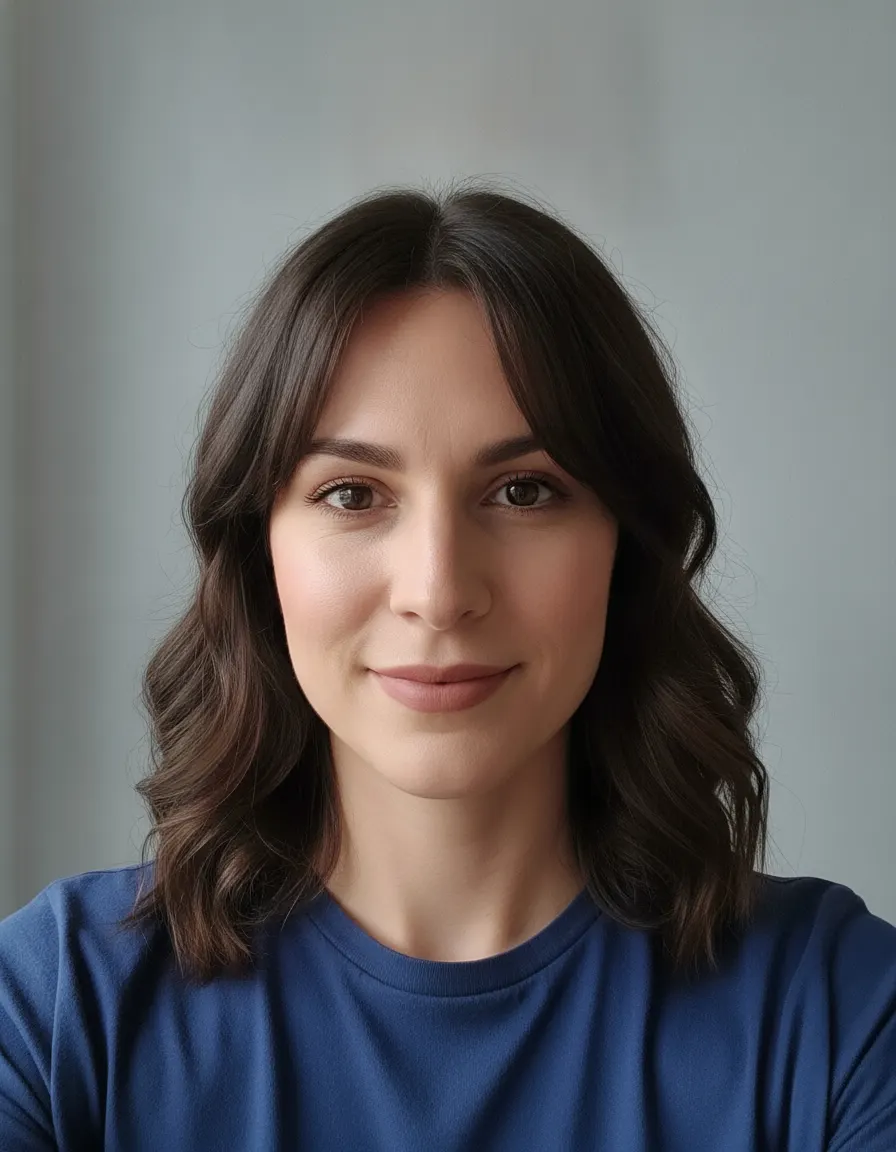
Unlike a live camera lens, this gender swap filter returns a finished photo. Here is one portrait run male to female, then back female to male. Pick a pair to compare.

1Original 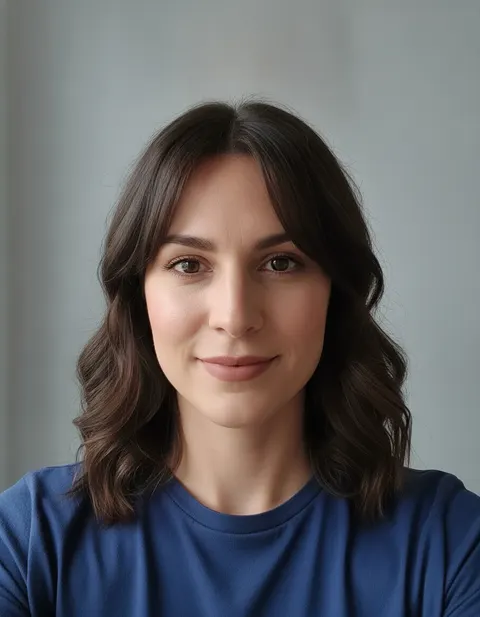
2Male to female 
3Back to male
The person is AI-generated for this demo, so no real face is used. Each filter run took about 12 seconds; nothing was retouched afterwards.

Tips for a better gender swap filter result
Use even, soft light
Daylight from a window in front of you works well. Hard shadows across the face can carry over into the swapped picture.
Face the camera
A face turned well to the side gives the AI less to work with, and the result can drift away from you.
One person per photo
The filter is written for a single face. If you want to swap a group shot, crop out one person first.
Skip other filters
Beauty filters, sunglasses and heavy edits hide the features the swap tries to keep, such as your eye color and skin texture.
Keep the face large
If the face is only a small part of the picture, crop closer before you upload. Shoulders up is a good frame.
Is the gender swap filter private?
The filter only sends your photo when you press Swap gender. The upload is deleted within 24 hours and the result within 14 days. Read the privacy policy